AI built for architects, for every stage of design

Select. Style. Render.
Bring your concepts to life
Purpose-built for architects

Built for buildings
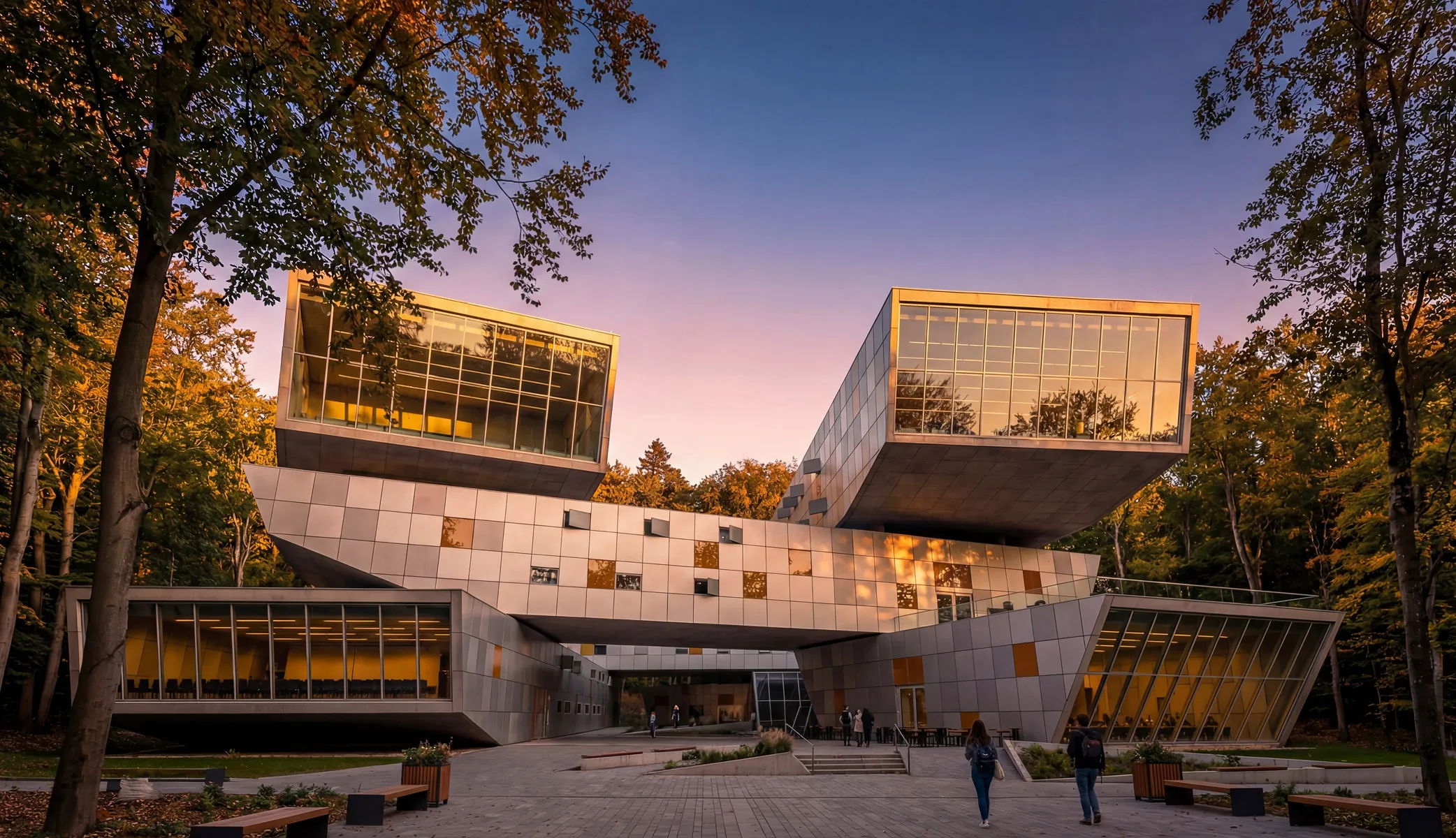
General-purpose AI tools guess at architecture. Motif's rendering engine is specifically optimized for architectural visualization so your renders are presentation-ready from the start.

Render where you design
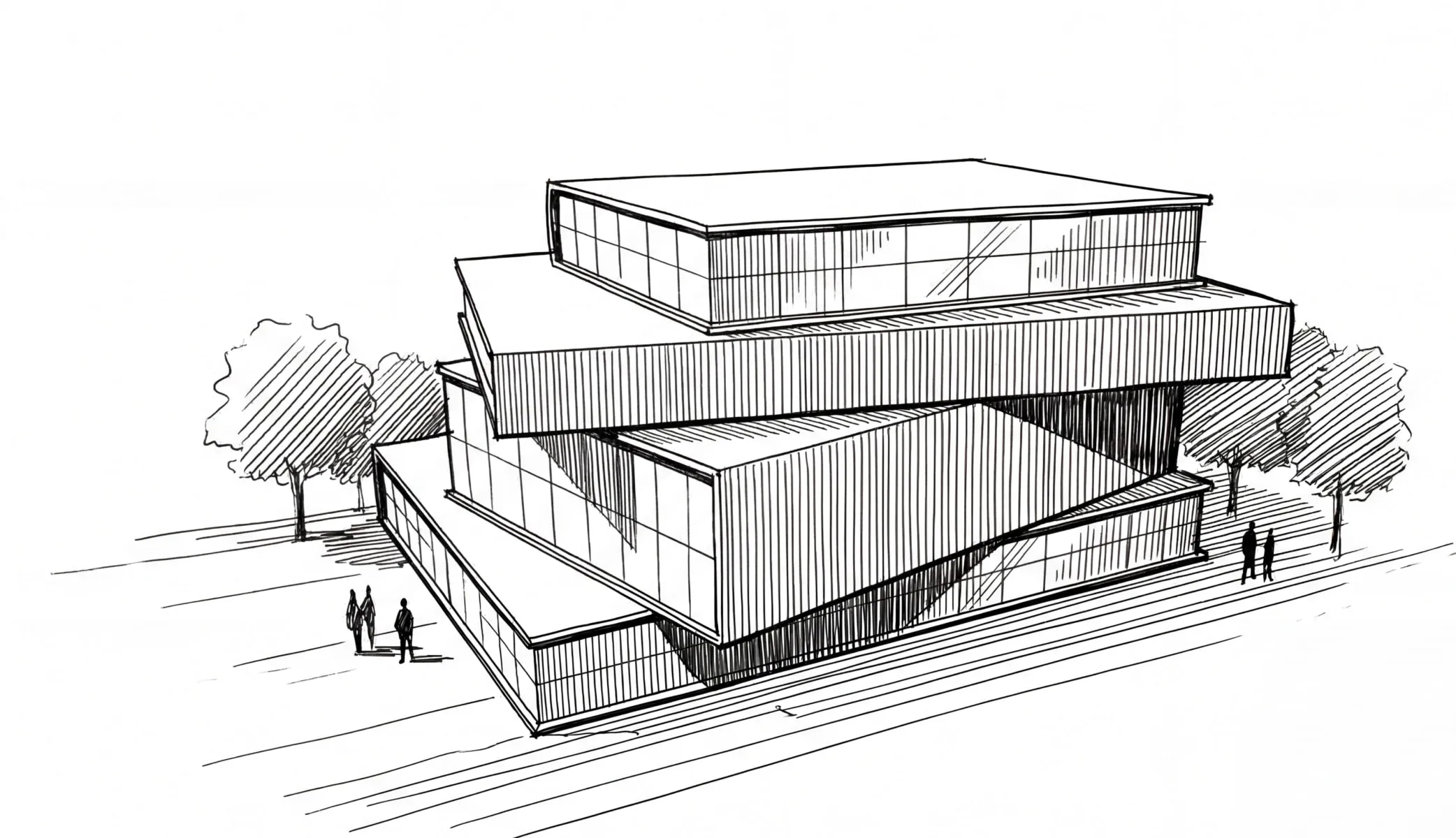
No exporting to a separate tool, no importing results back, no broken feedback loops. Your models, images, and renders all live in the same space.
A living canvas, not snapshots
Take views of live 3D models and render them in the same workspace. Lay out multiple variations on an infinite canvas—compare, iterate, and refine without switching tools.

Collaborate in the open
Motif isn't a private chat window. It's a shared workspace where teammates can see each other's renders, trace creative decisions, and build on one another's work.
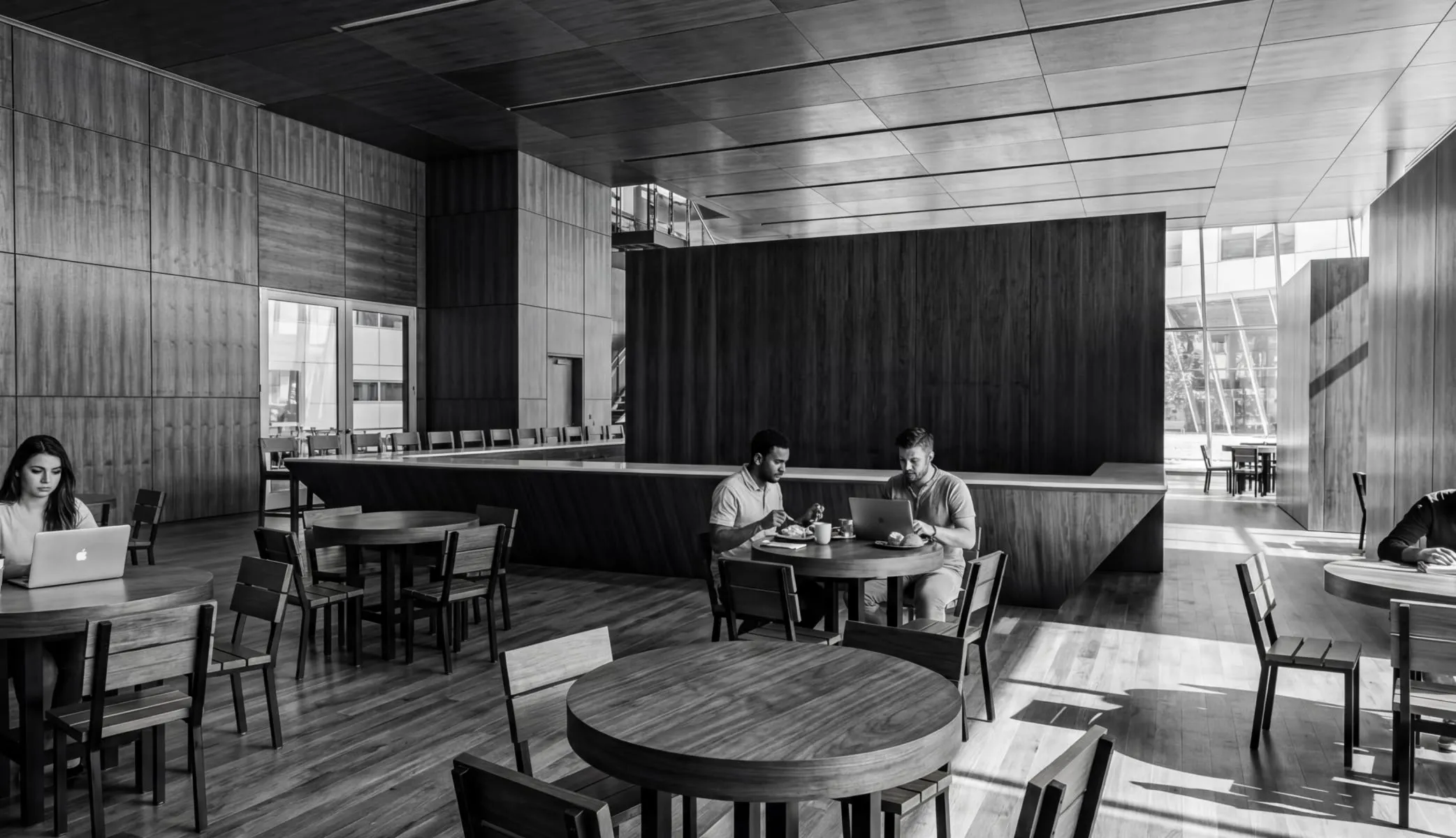
Your IP is protected
Every model provider we partner with has contractually agreed never to use your work to train their models. What you create belongs to you.
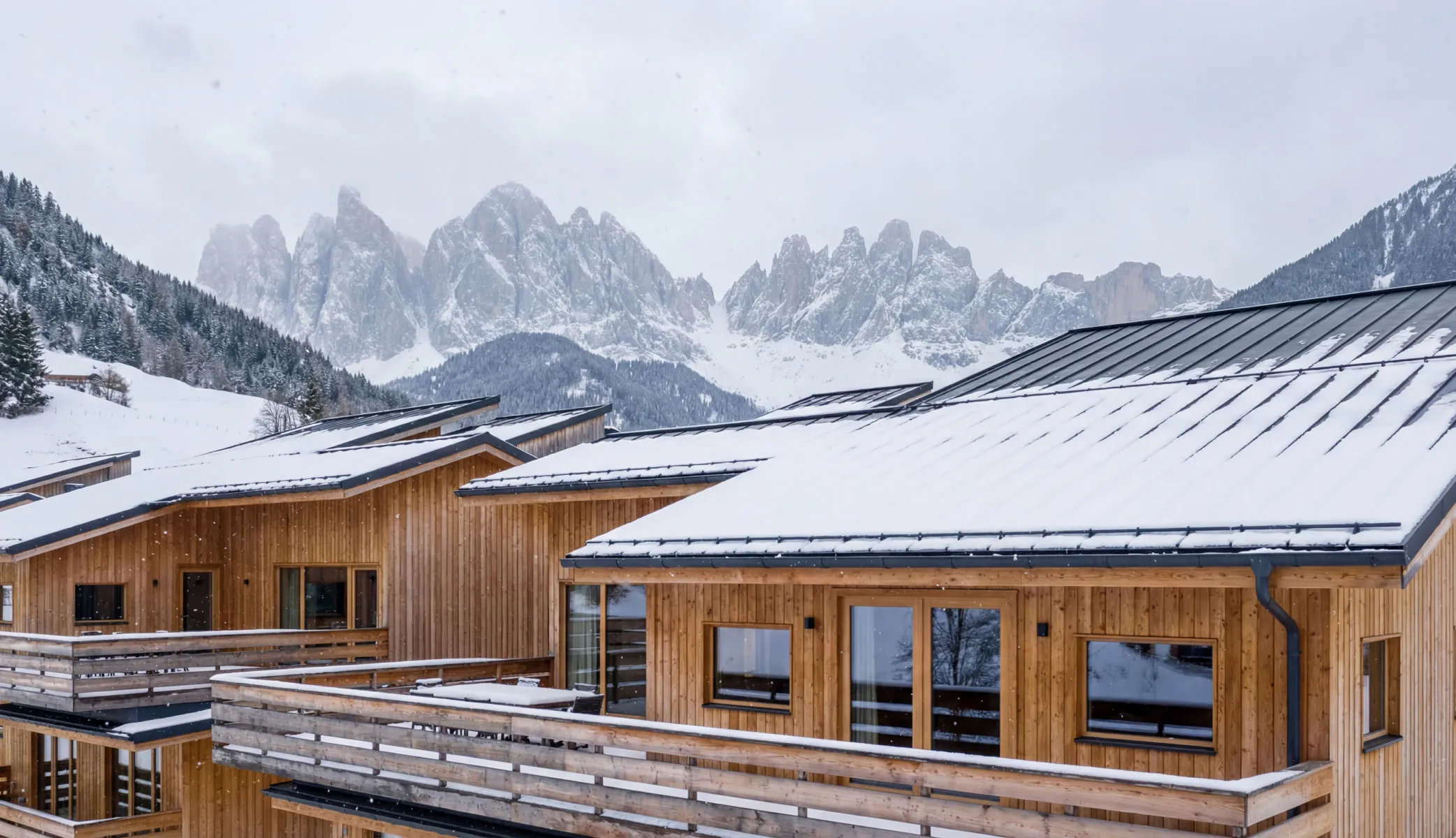
One plan, everything included
Access multiple best-in-class AI models for both images and video—Nano Banana Pro, Imagen, Veo, Sora, Gen-4 Turbo—all under your Motif plan. No separate contracts, no extra accounts.
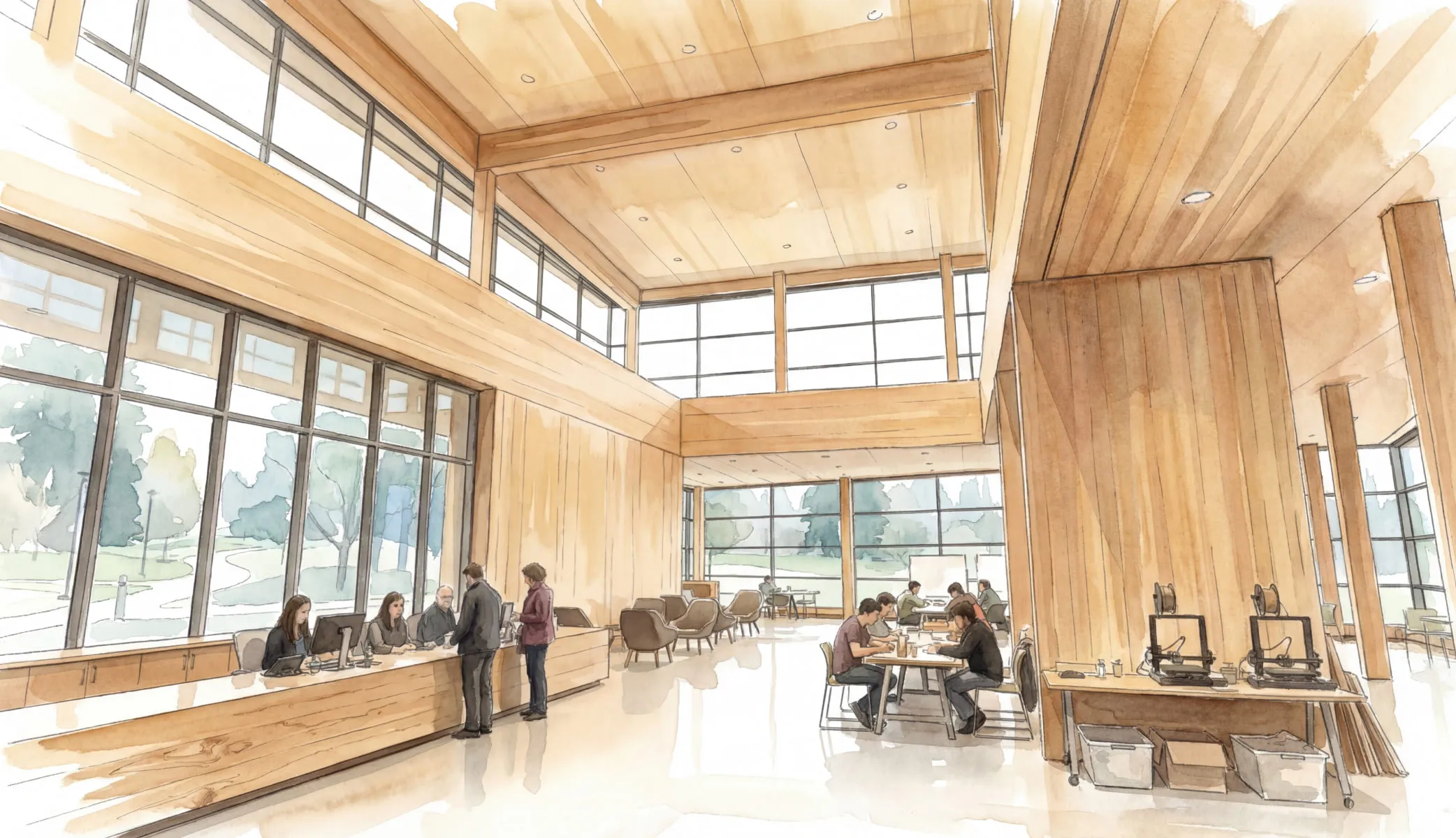

You can start from virtually anything: a hand-drawn sketch, a digital image, a photograph, or a view from a live 3D model on your Motif board. There's no need to have a fully developed model before you can create a compelling render.
Yes. Stream your Revit model into Motif, pick a view, and render. And because it's a live model on your board—not a static export—you can take new views and re-render as your design changes, all in the same workspace.
No. You can get great results using just the pre-defined style modifiers—select a rendering style, environment, weather, and time of day, and hit render. If you want more control, you can add open-ended prompts to specify materials, colors, furnishings, or other details. It's as simple or as detailed as you want it to be.
All renders output at 4K resolution by default, powered by Nano Banana Pro. They're presentation-ready without any upscaling or post-processing.
Every static image render generates three distinct variations automatically, so you can compare options and choose a direction—or share all three with your team or client.
For static images, you can choose from Nano Banana Pro, Nano Banana, and Imagen. For video, you have access to Veo 3, Veo 3.1, Sora 2, Sora 2 Pro, and Gen-4 Turbo. All models are included in your Motif plan.
You can add up to three reference images to guide your render. Use them to match a material or texture, populate a scene with specific people or furniture, or steer the overall visual style. Motif blends the cues from your references into the output.
No. Every model provider we work with has contractually agreed not to use your work to train their models. Your intellectual property stays yours.
No. Access to all rendering and video models is included in your Motif plan. Your team doesn't need separate contracts or accounts with any model provider.
Yes. Motif is a collaborative workspace. Teammates can view renders as they're created, iterate on them, and trace the creative decisions behind them—all in the same shared environment.
Tools like Midjourney, ChatGPT, or Gemini generate one image at a time in an isolated chat thread. You then have to export it, bring it into your project, and go back to the chat if you want changes. In Motif, rendering happens inside your project, on a shared canvas, with architecture-specific output, IP protection, and editing tools. It's the difference between a standalone AI tool and an integrated design workflow.
Yes. If you have the Enscape plugin installed in Revit, you can send Enscape renderings directly to a Motif project while streaming. Here's how:
- Open both Revit and Enscape, then create a view in Enscape.
- Render into your Revit document—in the Enscape plugin toolbar within Revit, click "Render into Document." The rendering will be saved to the Renderings section of your Revit document.
- Stream or publish your model to Motif. Your rendering images will automatically appear in Motif as image assets, ready to be placed on the board.